
Sowing Chaos and Reaping Rewards in Confluence and Jira
Introduction
Let me paint a picture for you. You’re on a red team operation, operating from your favorite C2, and have just landed on a user’s workstation. You decide to take a look at their DNS cache to get a list of internal resources the user has been browsing and as you look through the list, there are several that you recognize based on naming conventions. One in particular might be interesting: Atlassian. What do you do next? Do you immediately sleep your Beacon down to 0 and SOCKS proxy in browser traffic? No way. You have options!
TL;DR
I have created a new .NET tool named AtlasReaper that calls the Atlassian REST APIs for Confluence and Jira. It is designed to run in-memory from C2 agents, with the aim of minimizing the network overhead generated from a SOCKS proxy. This tool has several features, including listing spaces, pages, attachments, projects, issues (and comments), usernames, and emails, and has the ability to search by a provided keyword. I have also included some features for adding content to pages and issues.
https://github.com/werdhaihai/AtlasReaper
Why??
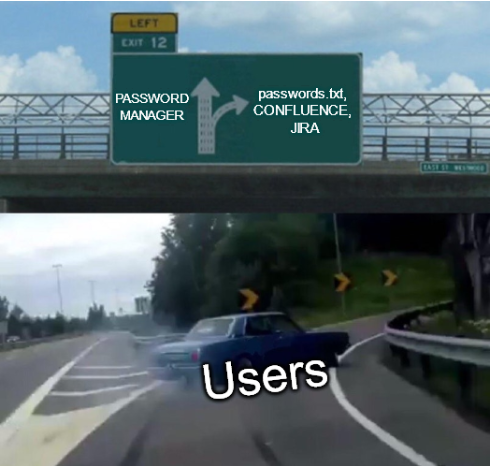
As red teamers, we are often asked to perform the relatively mundane task of triaging local and remote file systems or other information systems such as Confluence and Jira. This can be both time-consuming and tedious. Why do we do boring stuff, then? Because it’s usually fruitful! If you create a system and it accepts files or text, people will put their passwords or sensitive customer information posthaste. This is something adversaries use to their advantage.
There are other tools, like conf-thief and jecretz, that solve the problem of searching through Confluence and Jira, but I couldn’t find a tool that did both or a tool that had all of the features I wanted. My aim was to build a tool that could quickly interact with Confluence and Jira via C2. I also wanted to make use of the very “fun” Confluence Query Language and Jira Query Language with “fuzzy” searching. I needed the ability to view spaces, pages, and issues individually, dump everything at once to the console, or save the output to a file. I also felt there could be value in attaching files, commenting, and mentioning other users on pages and issues.
Overview of Confluence and Jira
A full explanation of all of the features of Confluence and Jira is outside the scope of this blog post; however, I wanted to briefly provide a breakdown of the structure of each of these applications.
Confluence is basically a wiki for companies. Confluence uses spaces to logically separate or group information. Spaces are often broken down by department (e.g. Finance, HR, IT, etc) and can contain pages. The latter is where users put text, tables, attachments, and so on. The breakdown in a tree structure looks something like this:
GLOBAL CORP CONFLUENCE INSTANCE
├───Finance (Space)
│ ├───2023 Annuals (Page)
│ └───SWIFT Account (Page)
├───HR (Space)
│ ├───Internal Systems (Page)
│ └───Training and Development (Page)
└───IT (Space)
├───Cloud Infrastructure (Page)
├───New-Hire Onboarding (Page)
└───Software Licenses (Page)
Jira is an issue and project tracking software. Jira is broken down into projects, and projects are broken down further into issues. Issues can be used in various ways; for instance, I have seen them used as a way to track individual tasks, IT help tickets, and even findings and security issues discovered in past penetration test reports.
>>More